
Introduction
Architecture students face unique challenges that require high-performance laptops to meet their academic and creative needs. These devices must handle resource-intensive software without hiccups, ensuring smoother workflows and efficient output. In this guide, we focus on essential features and recommend the best 2024 laptops to meet these demands, thereby enhancing learning and project execution.

Key Features to Consider for Architecture Laptops
Choosing a laptop involves understanding key components that ensure smooth operation of architectural applications.
-
Processor and Performance Needs: A powerful processor, like Intel Core i7 or AMD Ryzen 7, is fundamental. These CPUs support demanding processes and multitasking essential in architectural software usage.
-
Optimal Graphics and Display Requirements: A dedicated GPU such as the Nvidia RTX series or AMD Radeon remains critical for rendering detailed graphics swiftly. Opt for high-resolution displays, at least Full HD (1920×1080), to achieve color accuracy and project details clarity.
-
Essential Memory and Storage Specifications: Memory plays a crucial role, where 16GB of RAM becomes a baseline for efficient performance. SSD storage of 512GB or more ensures rapid data access, which is crucial when working with large design files.
Understanding the significance of these features helps identify laptops that enhance the academic experience. Next, we will recommend specific models that offer a balance of these capabilities.
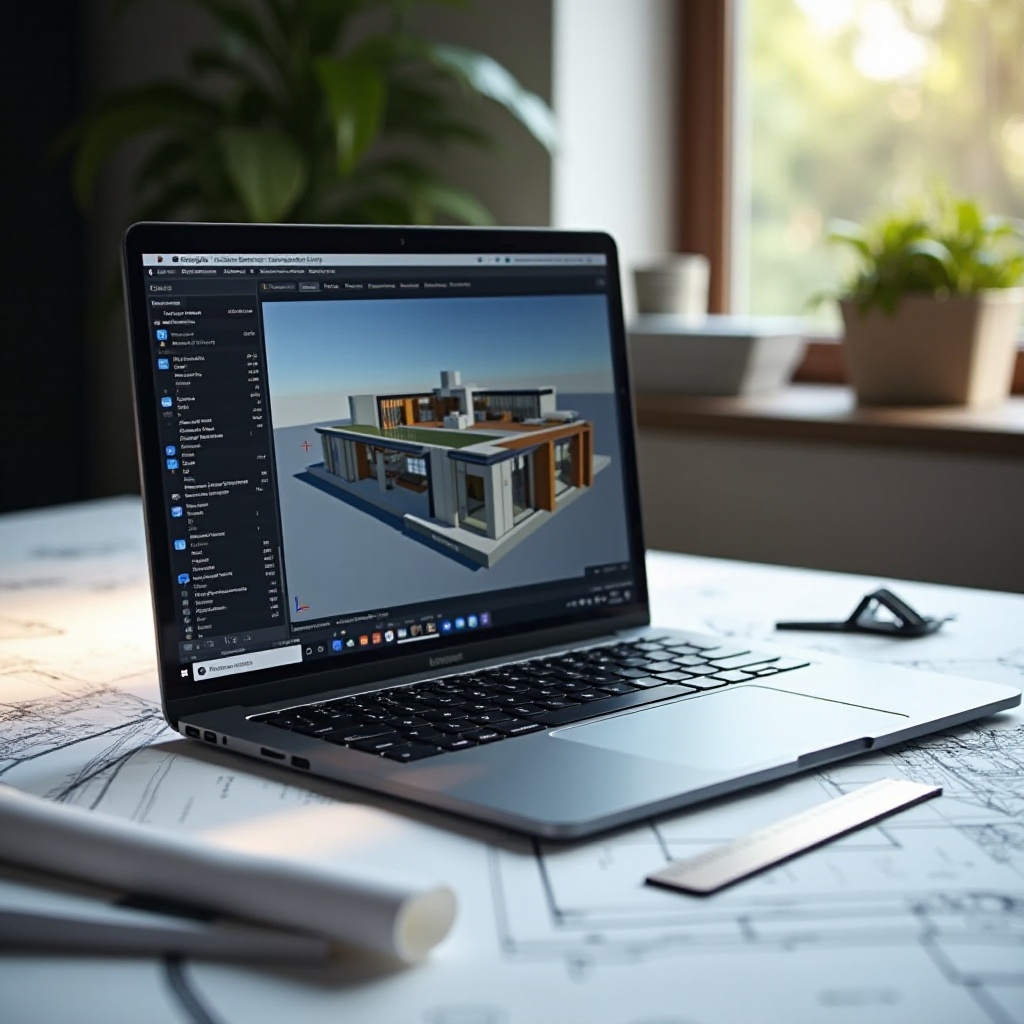
Top Laptop Recommendations for Architecture Students in 2024
Identifying laptops that marry performance with student needs takes center stage here.
-
Apple MacBook Pro 16-inch: Renowned for premium design and powerful operation, it features Apple’s latest M1 Pro or M1 Max chips. These provide robust computational power, paired with a Retina display known for its unrivaled color accuracy—ideal for architectural visuals.
-
Dell XPS 17: Equipped with a stunning 4K display, it houses Intel’s Core i9 processors and Nvidia RTX 3060 graphics. This configuration is perfect for students needing smooth multitasking and exceptional rendering capabilities.
-
Asus ROG Zephyrus G16: Originally a gaming machine, it adapts well to design needs with AMD Ryzen 9 chips and Nvidia RTX 3070 graphics. The display features a 165Hz refresh rate for seamless visuals during critical rendering tasks.
These top-tier laptops promise powerful performance but can be costly. Therefore, transitioning to affordable options is essential for students seeking a balance between cost and capability.

Budget-Friendly Laptops for Architecture Students
While premium laptops offer high-end features, affordable alternatives can efficiently handle essential architecture tasks without straining your finances.
-
Acer Swift X: Lightweight yet powerful, it combines AMD Ryzen 7 processors with Nvidia GTX 1650 graphics, making it suitable for basic CAD work and 3D modeling.
-
Lenovo IdeaPad 5: This option targets those prioritizing cost-effectiveness over high performance. It features AMD Ryzen processors and integrated graphics, which are sufficient for less intensive tasks.
-
HP Pavilion x360: This 2-in-1 laptop offers versatility with Intel Core i5/i7 processors and Intel Iris Xe graphics. The touchscreen capability adds convenience for quick sketches and annotations.
Moving from understanding product specs and recommendations, the next focus area involves aligning these technological choices with personal and academic priorities.
Considerations for Choosing the Right Laptop
After exploring available options, it’s vital to weigh these against personal and educational goals, ensuring an ideal fit between your laptop choice and usage requirements.
-
Balancing Performance and Price: Establish a budget aligned with essential features. For instance, prioritize robust CPUs and dedicated GPUs if multitasking efficiency and quick rendering are essential. Where portability or battery life is crucial, ensure these elements guide your spending.
-
Evaluating Personal and Academic Needs: Reflect on course requirements, project types, and frequency of heavy computing tasks. This strategic approach ensures that essential functionalities remain prioritized over brand names or extraneous features.
Adopting such considerations guarantees a meaningful investment in a device that enhances your academic journey.
Conclusion
Investing in the right laptop is pivotal for architecture students who require a machine that supports intensive software and aids in creative processes. From ground-breaking processors to sharp displays, selecting a laptop that matches these criteria is crucial. While premium laptops meet high-demand tasks, cost-effective choices can adequately cover less intensive needs. With calculated decision-making, you can identify a tool that best supports both your academic and creative objectives.
Frequently Asked Questions
What is the best laptop brand for architecture students in 2024?
Top brands for architecture students include Apple, Dell, and Asus, known for performance and reliability.
How important is a dedicated GPU for architecture software?
A dedicated GPU is crucial for rendering graphics-intensive applications and forms a vital part of architecture design tasks.
Can a budget laptop handle architecture software effectively?
Budget laptops such as Acer Swift X and HP Pavilion can manage entry-level tasks, though they may fall short on more complex projects.