
Introduction
Cross-platform gaming is transforming the way players engage with Minecraft, one of the most iconic games on the market. The question that frequently arises is whether Minecraft Mobile can integrate with Xbox for a seamless gaming experience. The answer is a resounding yes. In 2024, this integration between platforms allows players to enjoy Minecraft without being limited by their choice of device. This article will guide you through setting up cross-platform play, understanding the features of each platform, troubleshooting common issues, and optimizing your gaming experience.
Understanding Minecraft’s Cross-Platform Capabilities
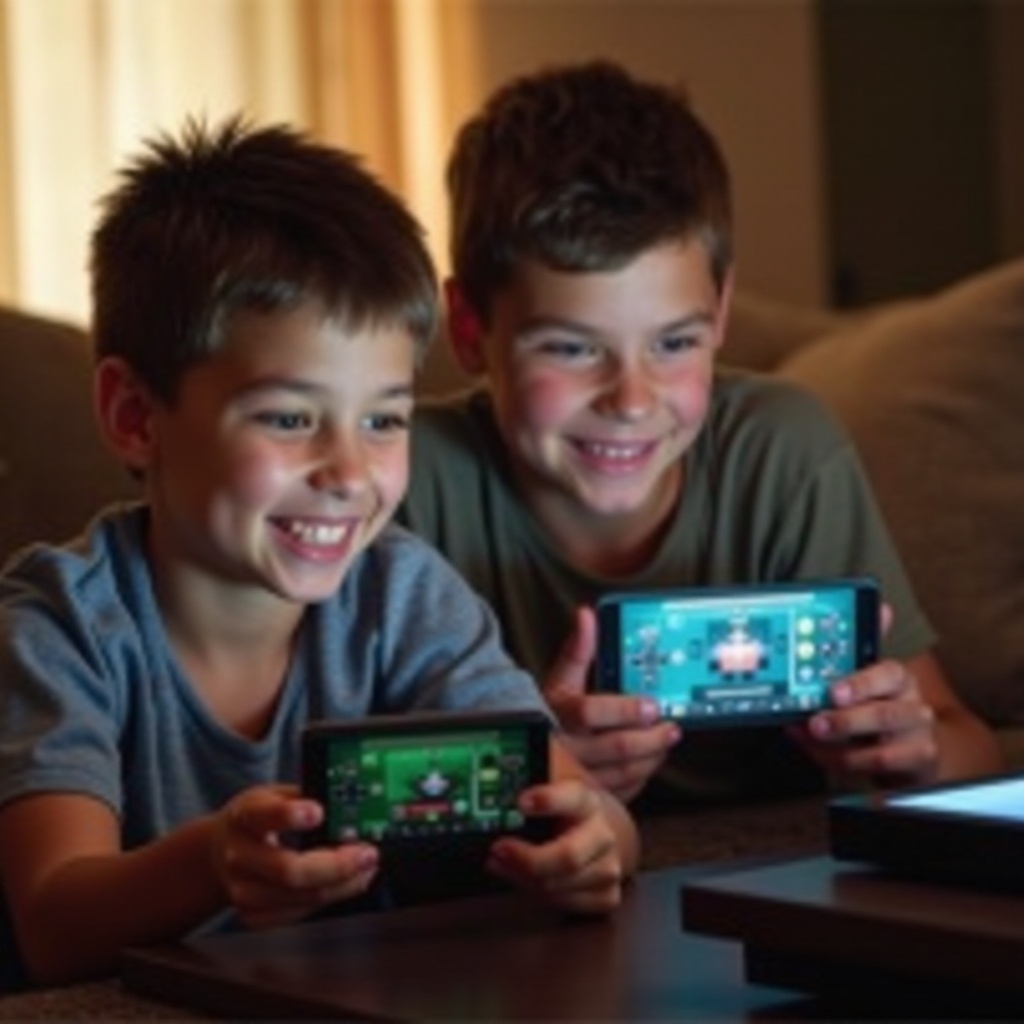
At the core of Minecraft’s cross-platform play is the ability for players on different devices to connect and enjoy the game together. Initially, gamers were bound by their chosen platforms, but with cross-platform capabilities, these divides have disappeared. Cross-platform play enables anyone to join a game with friends, regardless of the device they use.
Xbox Live plays a crucial role in this connectivity. It serves as the key network through which mobile and Xbox players can link up, providing a seamless player experience. By utilizing Xbox Live, players can sync their accounts and embark on shared adventures without the hassle of being device-specific. Now, let’s move forward to the process of setting this up.
Setting Up Cross-Platform Play between Minecraft Mobile and Xbox
The anticipation of connecting Minecraft Mobile with Xbox is exciting, and setting it up is straightforward. Here’s how you can get started:
-
Update Your Devices: Ensure both your mobile device and Xbox console have the latest version of Minecraft.
-
Create or Sign in to Xbox Live: Establish or log into an Xbox Live account on both devices to set up your gaming profile.
-
Account Synchronization: On the mobile app, navigate to settings and perform a login using your Xbox credentials to ensure accounts are synced.
-
Enable Cross-Play: On both mobile and Xbox, confirm that cross-platform play settings are activated.
-
Join or Host a Game: With everything set, you can now join friends’ worlds or create a session of your own to start playing together.
This process simplifies the journey to a unified Minecraft experience across devices, allowing players to focus solely on creativity and exploration. Understanding how the platforms compare in features can further enhance this experience.
Features Comparison: Mobile vs. Xbox
Experiencing Minecraft on either mobile or Xbox offers distinct advantages and potential limitations, which are crucial to understand for an optimal gaming session.
Graphics and Performance Differences:
– On Xbox, players enjoy superior graphics and a smoother frame rate, offering a more immersive experience on larger screens. Mobile gaming, while convenient and portable, typically offers less sophisticated graphics.
Unique Features and Limitations:
– Mobile: Touch controls and portability are the standout features, making it easy to play anywhere. However, the smaller screen size and touch controls can be limiting for some players.
– Xbox: Features controller support and a dedicated gaming setup, ideal for extended play sessions. While it excels in performance, it lacks the portability of a mobile device.
Knowing these differences allows players to make informed decisions about their gameplay strategies, whether stationary or on the move. Below, we’ll address potential hurdles with connecting devices and solutions to overcome them.
Troubleshooting Common Cross-Platform Issues
While cross-platform play offers many benefits, it’s not without its challenges. Here’s how you can resolve common issues:
Connectivity Challenges and Solutions:
– Issue: You are unable to connect with friends.
– Solution: Ensure both devices are online and have strong internet connections. Restarting the router or devices can help resolve connectivity issues.
Resolving Account Syncing Problems:
– Issue: Problems syncing accounts.
– Solution: Reverify your Xbox Live credentials. If problems persist, logging out and back in or reinstalling the game can often resolve issues.
These solutions will keep interruptions to a minimum, allowing seamless play. Optimizing settings further enhances the cross-platform experience.
Optimizing Your Cross-Platform Experience
To maximize the enjoyment of playing Minecraft across mobile and Xbox, consider optimizing your settings:
-
Recommended Settings: Aim for high-performance modes. Adjust graphics on mobile to balance battery life and quality.
-
Gameplay Tips:
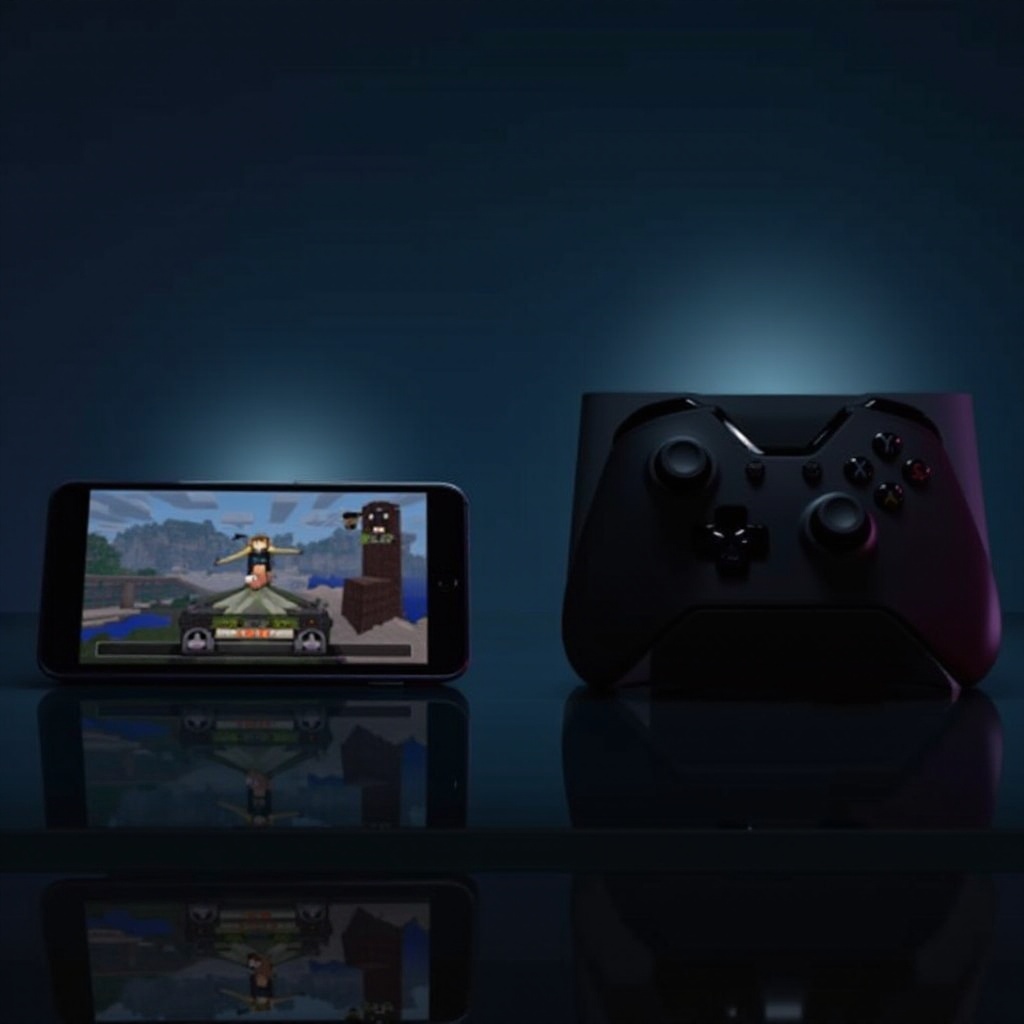
- Use a controller with your mobile device for consistency.
- Coordinate game sessions with friends in advance to minimize lobby wait times.
Following these tips ensures a fluid cross-platform experience, allowing you to focus on the game itself. Let’s conclude with a recap of what’s been covered.
Conclusion
The ability to play Minecraft across mobile and Xbox platforms has eliminated barriers and expanded the gaming community. Setting up cross-platform play is straightforward, and understanding the distinct features of each platform enables a richer overall experience. With this guide, players can ensure a seamless and engaging Minecraft journey, regardless of their preferred device.
Frequently Asked Questions
Is there any cost for cross-platform play in Minecraft?
No, cross-platform play itself does not incur additional costs, but Xbox Live often requires a subscription.
Can I use mods when playing cross-platform?
Mods are typically not supported in cross-platform play due to compatibility issues. Playing unmodified versions ensures stability.
How do I update Minecraft on mobile and Xbox for cross-platform compatibility?
On mobile, visit your app store. On Xbox, check the game updates section to ensure you have the latest version.