Introduction
In the world of printing, expenses can quickly add up, especially when replacing printer cartridges frequently. Refilling Brother printer cartridges is not only a cost-effective measure but also a step towards reducing environmental impact. While the thought of refilling might seem intimidating, the process is relatively straightforward with the right guidance. This blog aims to equip you with the necessary knowledge and steps to confidently refill your cartridges, ensuring you maintain optimal print quality while being mindful of costs and environmental concerns.
Benefits of Refilling Your Brother Printer Cartridge
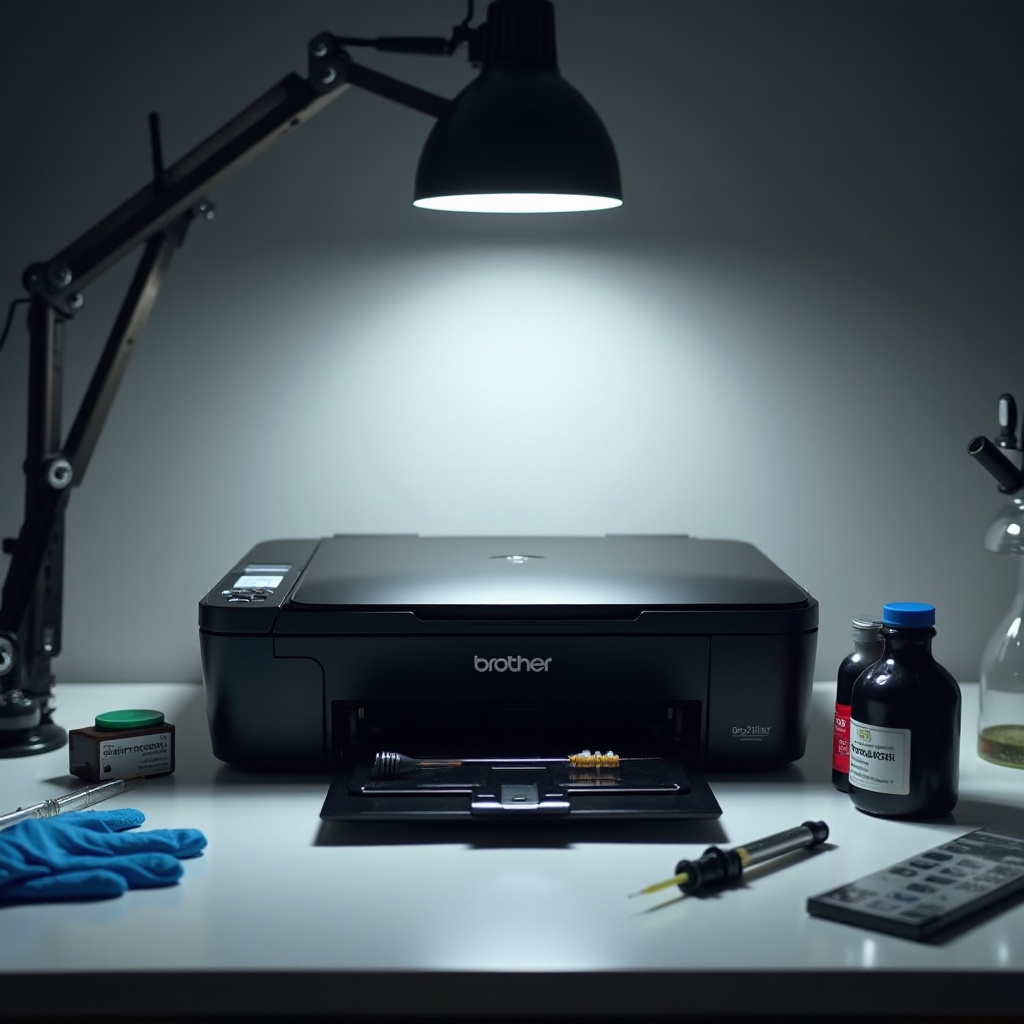
The decision to refill your Brother printer cartridge is often driven by multiple advantages, primarily cost savings. Purchasing new cartridges is a recurring expense that can be significantly reduced by refilling. Additionally, the environmental benefits of choosing refills are notable; you contribute to waste reduction by reusing cartridges instead of discarding them. Moreover, by selecting quality refill supplies, you can maintain or even enhance the quality of your prints. Understanding these benefits can encourage more printer users to consider this rewarding option.
Understanding Brother Printer Cartridge Types
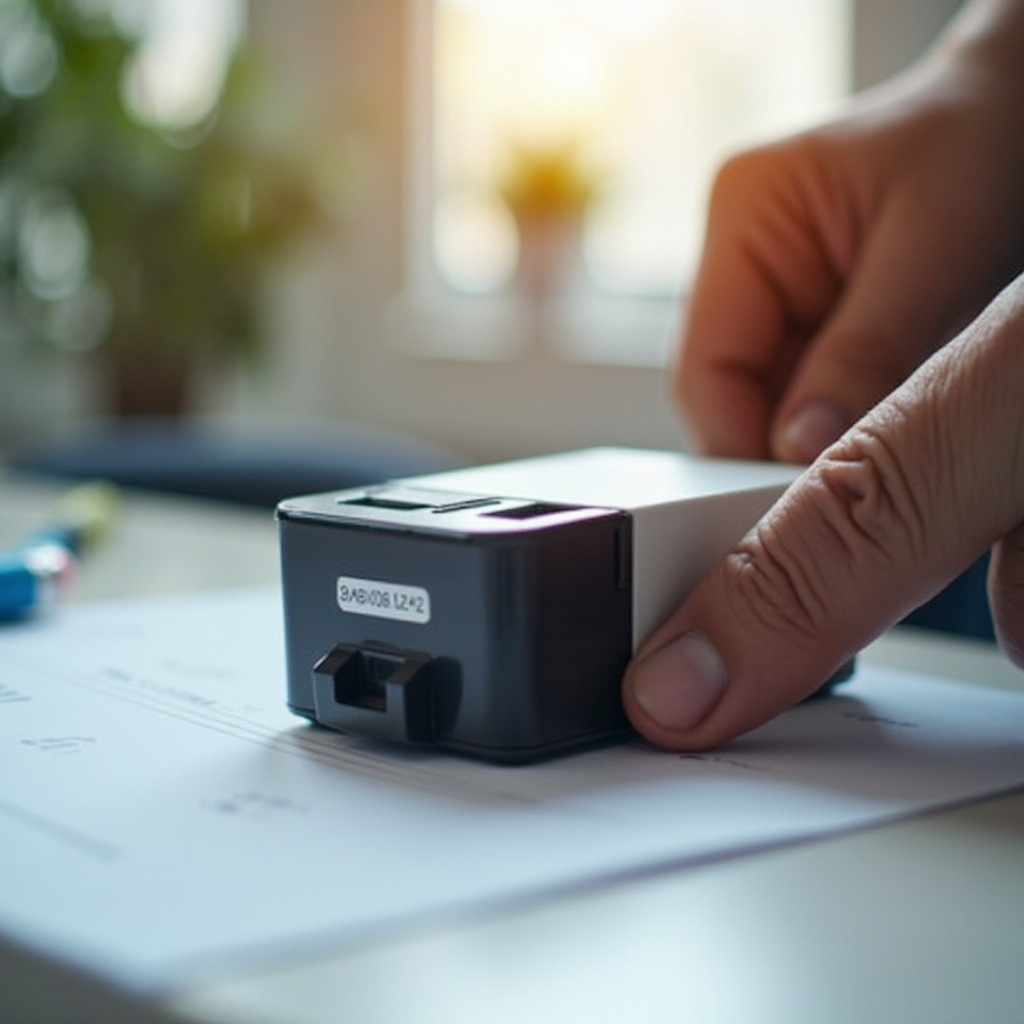
Before proceeding to refill, it’s crucial to understand the types of cartridges your Brother printer uses. Brother printers typically use two types: ink cartridges and toner cartridges. Ink cartridges are found in inkjet printers, known for their compact size and ease of refilling, albeit at the risk of drying out if unused for lengthy periods. In contrast, toner cartridges are used in laser printers. These are larger, using powder instead of liquid, making them suitable for high-volume printing. Recognizing your cartridge type guides the refilling process, ensuring accuracy and success.
Preparing for the Refill
Preparation is key in ensuring a hassle-free refilling experience. To begin, confirm that you have the appropriate refill kit compatible with your Brother printer model; remember that ink and toner kits differ. Arrange a well-ventilated, clean area as your workspace to manage any accidental spillage effectively. This proactive approach sets the stage for a smooth refilling process. Now that you’re prepared, gathering the right tools and materials is the next step.
Tools and Materials Needed
Refilling your Brother cartridge requires specific tools from your refill kit, which usually includes a syringe or a funnel cap for handling ink or toner. You should wear gloves to protect your hands, have a cleaning cloth ready for spills, and potentially use a small screwdriver depending on your cartridge type. These materials ensure you have everything necessary for an efficient refill.
Safety Precautions and Best Practices
Safety should always be a priority when dealing with refills. Work in an area with good ventilation to avoid inhaling ink fumes or toner particles. Use gloves to prevent ink or toner stains, and keep a cloth handy to swiftly clean any mess. Adhering closely to the refill kit instructions is essential, and ensure you dispose of waste responsibly in line with local guidelines, thus minimizing your environmental footprint.
Step-by-Step Guide to Refilling a Brother Printer Cartridge
Though refilling a Brother cartridge may initially seem complicated, following these steps simplifies the process, ensuring you achieve excellent results.
Removing the Cartridge from the Printer
- First, ensure the printer is off and unplugged for safety purposes.
- Open the printer cover and gently remove the cartridge, consulting your printer’s manual if needed.
- Place the cartridge on a covered, flat surface to prepare for the refill.
Refilling the Ink or Toner
- The refill steps vary depending on whether you have an ink or a toner cartridge; hence, follow the specific directions provided in your refill kit.
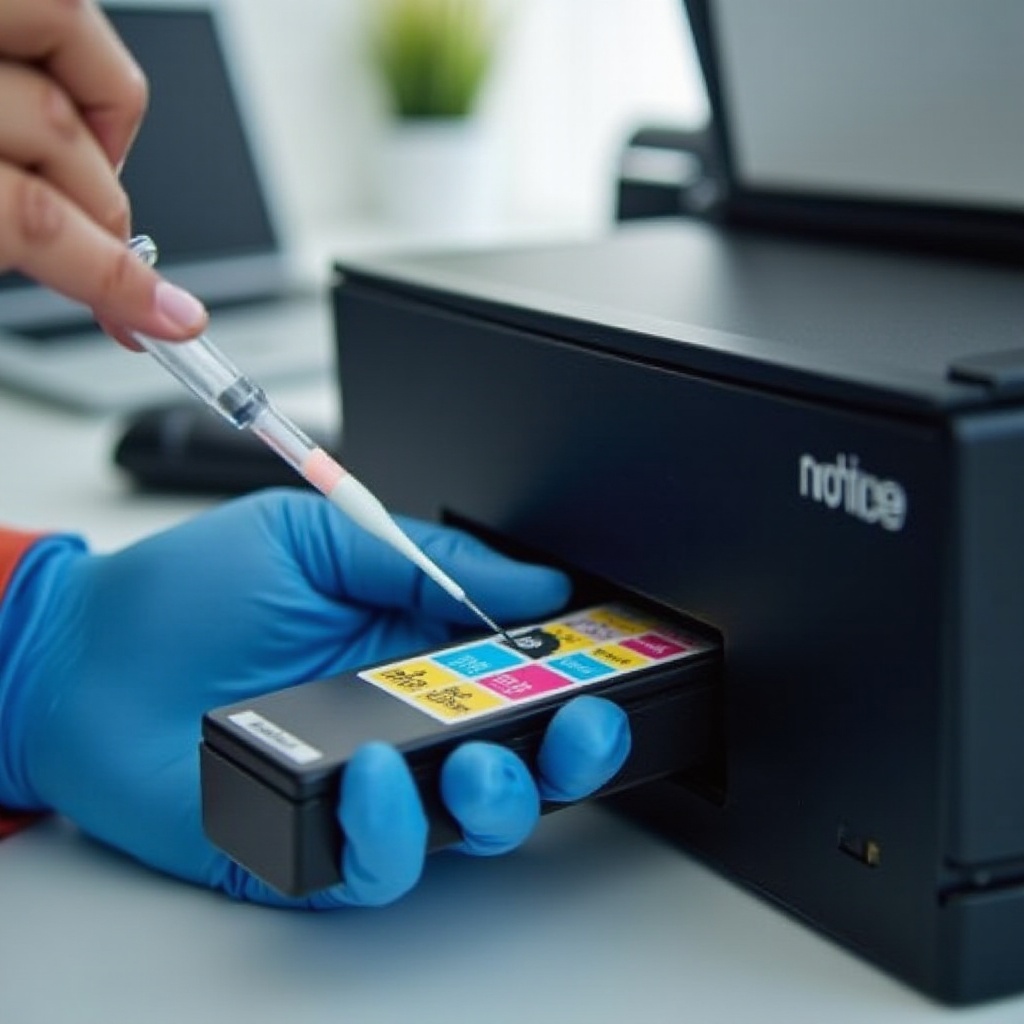
- For an ink cartridge, use the provided syringe to carefully inject the ink into the cartridge’s refill hole.
- For a toner cartridge, use the funnel cap to cautiously pour the toner powder, sealing the refill hole afterward securely to prevent leaks.
- Use a cleaning cloth to wipe away any excess ink or toner.
Reassembling and Reinstalling the Cartridge
- Reattach any parts detached during the refill carefully.
- Insert the cartridge back into the printer, ensuring it is properly seated.
- Close the printer cover and plug the printer back for a test run.
Tips for Maintaining Cartridge Quality and Printer Health
Maintaining both cartridge quality and printer health can greatly extend their lifespan. Regularly printing a test page can prevent ink from drying and helps monitor print quality. Cleaning the cartridge contacts and printer heads gently with a soft cloth is recommended to ensure smooth operation. Avoid protracted storage of refilled cartridges to prevent drying or clogged nozzles. Always opt for high-quality refill materials to uphold your printer’s performance and longevity.
Troubleshooting Common Issues After Refilling
Despite cautious refilling, some issues may arise. If your printer fails to recognize the refilled cartridge, attempt removing and reinserting it. Check that the cartridge chip is clean and intact. Poor print quality could be due to air trapped in the cartridge; resolve this by executing the printer’s cleaning cycle. Should troubleshooting persist without resolution, consider seeking professional inspection or replacing the cartridge.
Conclusion
Refilling Brother printer cartridges emerges as a practical and budget-friendly strategy for managing printing needs. By adhering to this guide, you maximize your ability to perform the process efficiently, maintaining high-quality prints without the financial strain. As you continue to practice, you’ll find your skills and confidence in refilling growing, making it an invaluable part of your printing solution toolkit.
Frequently Asked Questions
How often can I refill my Brother printer cartridge before replacing it?
Most cartridges can be refilled up to 3-4 times. Performance varies based on usage and care. Monitor print quality, and replace when efficiency drops.
Is there a difference in print quality after refilling the cartridge?
Quality may differ depending on refill ink or toner quality. Opt for premium products to maintain high print standards.
What should I do if the printer doesn’t recognize the refilled cartridge?
Ensure the cartridge is properly seated. Clean the contacts and try resetting the printer. If issues persist, consider professional assistance.