
Introduction
Gamers often encounter the dreaded laggy laptop experience during thrilling gaming sessions. Imagine being fully engrossed in a game, only for your laptop to slow down, turning excitement into frustration. Various factors can contribute to this dip in performance, making it essential to pinpoint the correct causes and solutions. This article delves into the reasons behind gaming lag, examining potential hardware, software, and network troubles while providing actionable advice to enhance your laptop’s performance. Join us on this journey to guarantee smooth, lag-free gameplay whenever you play your favorite games.
Understanding Gaming Lag
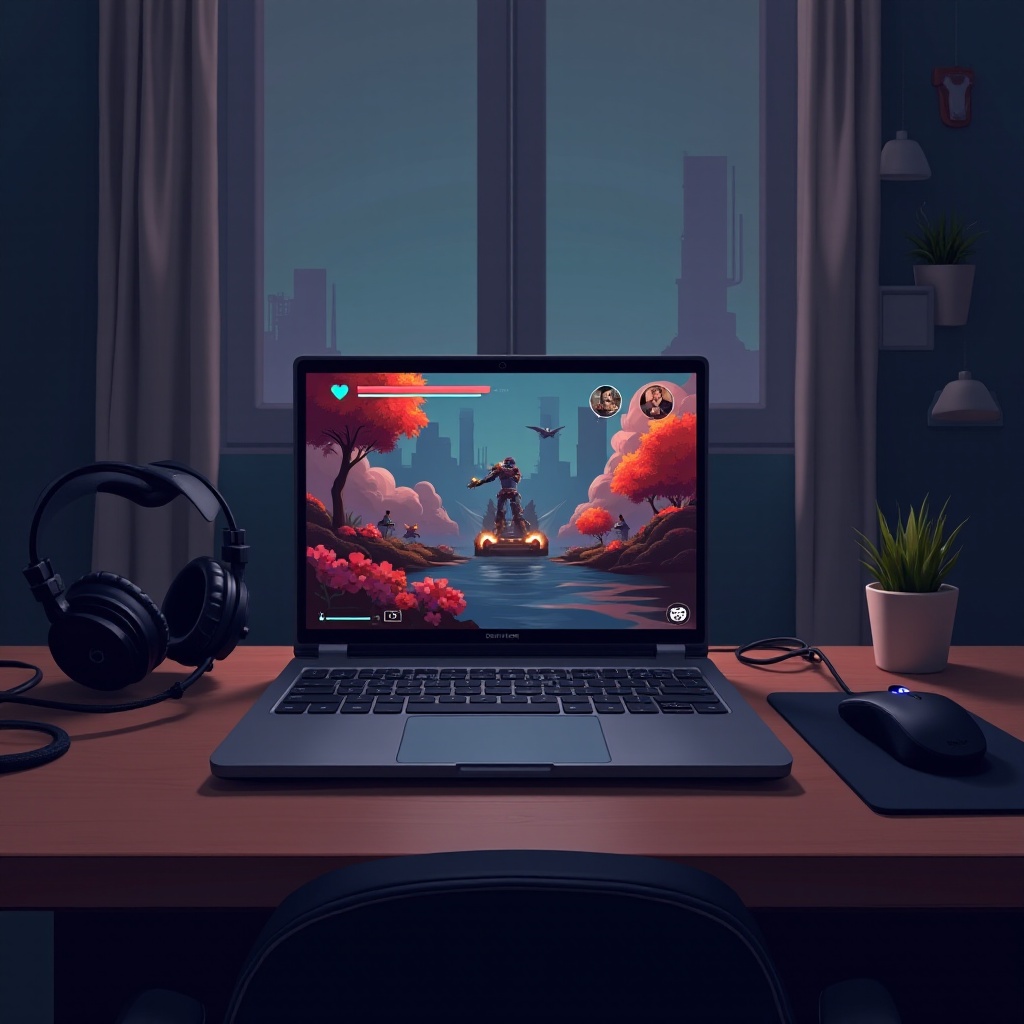
A deep dive into gaming lag is essential to grasp its impact on your immersive gaming experience. Lag occurs when system reactions slow down, leading to gameplay feeling choppy or unresponsive. Essentially, your game stops running as optimally as it should. This problem can stem from various factors, including hardware restrictions and software inefficiencies. A thorough understanding of what causes lag will make it much easier to diagnose and solve, rejuvenating your gaming adventures with smooth performance.
Common Hardware-Related Causes
The role of hardware in gaming performance cannot be understated. More often than not, a laggy laptop can be traced to one or more of the following hardware issues:
Insufficient RAM or VRAM
RAM (Random Access Memory) is vital for managing game-related data. When a system runs low on RAM, it struggles to handle multiple tasks simultaneously, resulting in lag. Similarly, VRAM (Video RAM) affects how graphics are processed. Insufficient VRAM results in poor rendering and sluggish performance.
Overheating and Thermal Throttling
Laptops threatened by overheating may throttle performance as a cooling measure. This means reduced processor speed, which hampers gameplay and leads to lag. Ensuring efficient cooling systems can prevent temperatures from soaring too high.
Outdated GPU Drivers
To function at their best, graphics cards require updated drivers. Lapsed GPU drivers might not handle modern games efficiently, leading to reduced performance and increased lag.

Software and System-Related Issues
Beyond hardware, software problems can severely impact your gaming experience. Below are some prevalent software issues:
Background Applications Consuming Resources
At times, background applications voraciously consume memory and CPU resources, leaving fewer resources available for gaming and resulting in lag.
Inefficient Power Settings
Power settings significantly influence your laptop’s resource utilization. Modes such as Power Saver limit performance to extend battery life, which can cause lag during gaming.
Fragmented or Full Hard Drives
Hard drives plagued by fragmentation or nearing full capacity struggle with quick data access. Consequently, load times increase, and the system falters when accessing game data, resulting in lag.
Network Problems Affecting Gameplay
Network issues can also usher in lag during online gaming. Robust connectivity ensures stable performance and an uninterrupted gaming experience.
Slow Internet Connection
A lethargic internet connection might not keep up with the demands of gaming data. Smooth gameplay requires adequate speeds for downloads, updates, and online action.
High Ping and Latency
High ping or latency signifies delays in data transmission between your device and the game server, which can severely hinder online games, occasionally rendering them unplayable.
Network Interference
Factors like Wi-Fi interference or an unstable router compromise network performance and add to gaming lag.
Troubleshooting and Solutions
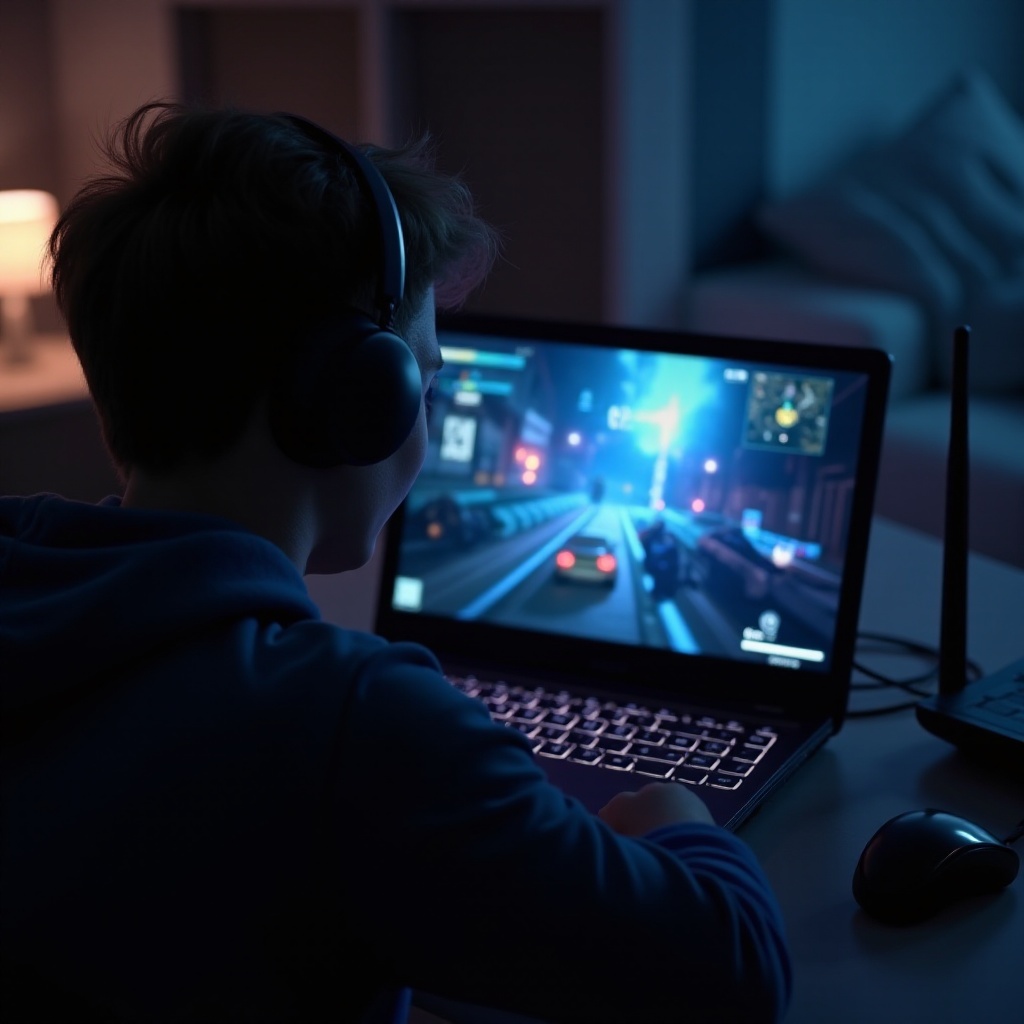
Addressing the right areas can make performance enhancements straightforward. Here are some effective solutions:
Upgrading RAM and Storage
Consider enhancing your laptop’s RAM and storage. More RAM allows the system to manage more data, and upgrading to SSDs offers quicker data reading and writing compared to traditional hard drives.
Optimizing System Settings
- Close unnecessary applications running in the background.
- Adjust power settings to High Performance for optimal resource usage.
- Regularly update your GPU drivers to the latest versions.
Enhancing Cooling Mechanisms
A cooling pad investment or ensuring internal fans function correctly can improve performance. Clean air vents regularly and use the laptop on solid surfaces to counter overheating.
Tips for Preventing Future Lag
Consistent maintenance and system checks can avert future lag:
- Regularly update software and drivers.
- Defragment and clean up your hard drives.
- Monitor network health and quickly resolve any connectivity issues.
Conclusion
Equipped with this information, you can effectively tackle your laptop’s gaming lag. By understanding the hardware, software, and network causes, and implementing the suggested solutions, you can transform your gaming sessions into seamless, uninterrupted experiences.
Frequently Asked Questions
How do I check if my laptop’s hardware can handle a game?
Use tools like Can You RUN It to compare your laptop’s specifications with the game’s requirements.
Can antivirus software affect gaming performance?
Yes, some antivirus programs can consume significant resources. Opt for ones with gaming modes to prevent this.
What is the best way to optimize internet settings for gaming?
Prioritize a wired connection for stability, use a gaming router, and prioritize gaming traffic using QoS features.